
Sewing Patterns
Sewing Pattern Printing: Scale, Pages, and Copyshop Guide
Jul
Sewing pattern printing looks simple until a 1 inch or 4 inch test square prints small and changes the whole garment. In the local Semrush export, “sewing pattern printing” shows 590 monthly searches with keyword difficulty 7, making it a useful low-competition support topic for PDF pattern buyers.
This guide explains how to print PDF sewing patterns at home, check scale, use layers, choose A4 or Letter files, send A0 files to a copyshop, tape tiled pages, and avoid size errors before fabric is cut.
Key Takeaways
- Print the test square page first, measure it accurately, and correct scale before printing the full tiled pattern.
- Use Actual Size, 100 percent, or no scaling; avoid Fit to Page because it can shrink pattern pieces.
- Check whether the download includes print-at-home, A0 copyshop, projector, and instructions files before choosing a route.
- Assemble pages on a flat surface and match symbols, borders, triangles, or grid marks before cutting pattern pieces.
What Is Sewing Pattern Printing?
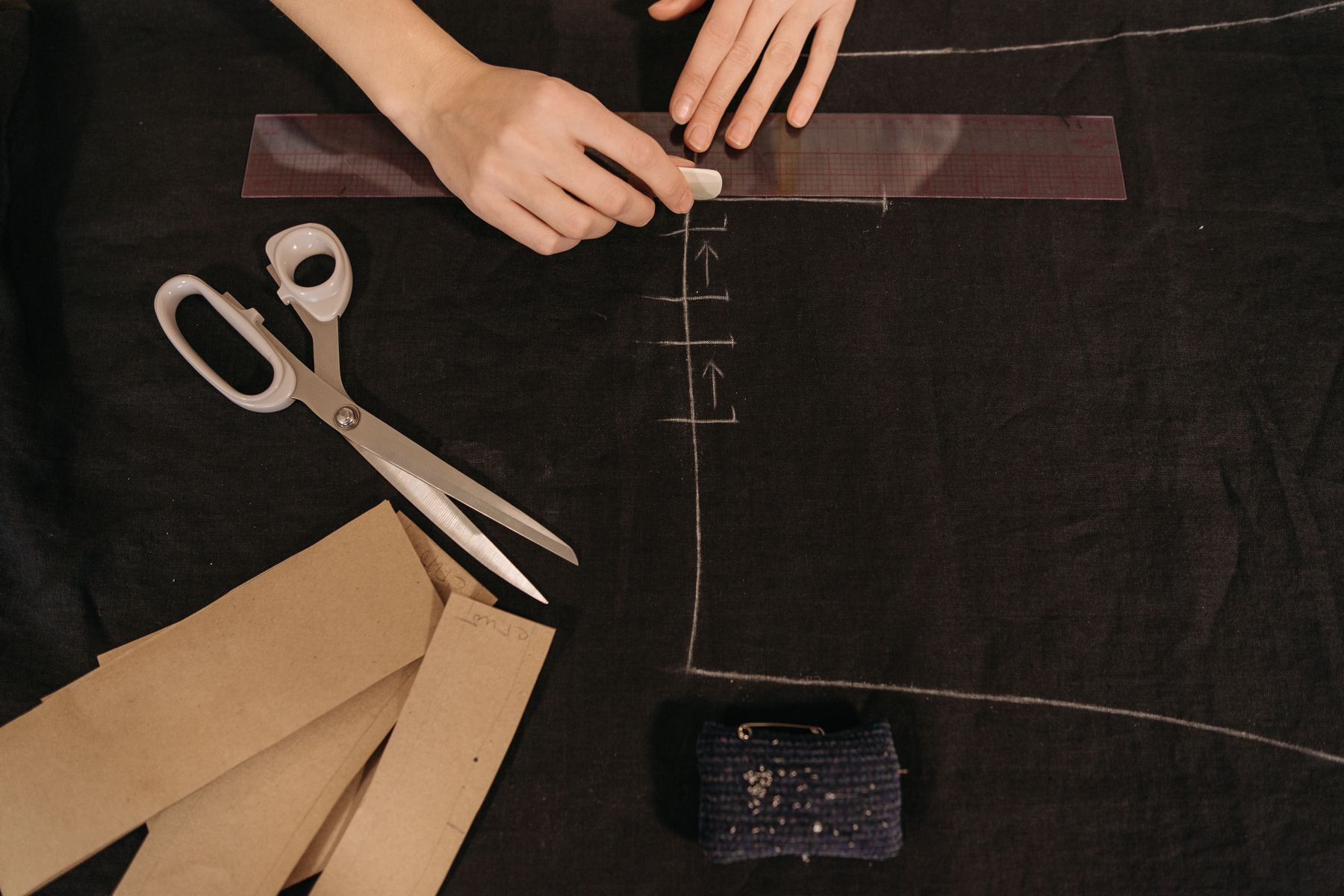
Sewing pattern printing turns a digital PDF pattern into full-size paper pieces for cutting fabric. Seamwork explains that tiled digital patterns are designed for US Letter or A4 paper, while many brands also provide large-format files for copyshops.
Most PDF downloads include several files. Look for instructions, print-at-home pages, A0 or copyshop pages, and sometimes projector files. The right file saves paper, tape, and frustration.
If you are still learning pattern symbols, pair this printing guide with our how to read a sewing pattern guide. Printing accuracy only helps if the markings are read correctly afterward.
How Do You Print a PDF Sewing Pattern at the Correct Scale?
Print the test square page first, then measure before printing the rest. Seamwork says its digital pattern test square should measure 4 inches on a side, while Tilly and the Buttons notes that its test squares may use 60 mm by 60 mm depending on the pattern.
Open the file in a reliable PDF reader. In the print dialog, choose Actual Size, 100 percent, or no scaling. Do not select Fit to Page, Scale to Fit, Shrink Oversized Pages, or borderless resizing unless the pattern company specifically tells you to.
Measure the square with a hard ruler, not a flexible tape. A flexible tape can curve and hide a small error. If the square is off by even a few millimeters, adjust settings before printing more pages.
Print one more test if you change printer, paper tray, PDF reader, or computer. A saved setting in one program does not always carry over to another program.
Should You Use A4, US Letter, A0, or Copyshop Files?
Use the file format that matches your printer and patience. Seamwork states that tiled print-at-home patterns are made for either US Letter or A4 paper, while Tilly and the Buttons describes copyshop printing as a full-scale A0 option for some PDF patterns.
US readers usually choose Letter. Many international readers choose A4. If the pattern includes a combined A4/Letter file, it may work on both sizes, but the test square still decides whether it printed correctly.
A0 or copyshop printing costs more but removes most trimming and taping. It is useful for coats, pants, dresses, and multi-size patterns with many pages. For a small bag or top, print-at-home may be faster.
Projector files are another option if you cut directly from projected pattern lines. They need careful calibration and a stable setup. If the setup moves, recalibrate before cutting.
How Do PDF Layers Help With Sewing Pattern Printing?
PDF layers let you print only the size or sizes you need, which makes nested pattern lines easier to follow. Not every brand includes layers, but layered files are especially useful for beginners and for grading between sizes.
Open the layers panel in your PDF reader and turn off sizes you do not need. Keep labels, grainlines, notches, page numbers, and test square layers visible. Do not hide construction marks by accident.
If you are between sizes, print both sizes involved in the grading. For example, print the bust and hip sizes you need on a dress so you can blend side seams accurately.
For the measurement side of that decision, use our sewing pattern size guide before deciding which layers to print.
What Is the Best Way to Tape Tiled Pattern Pages?
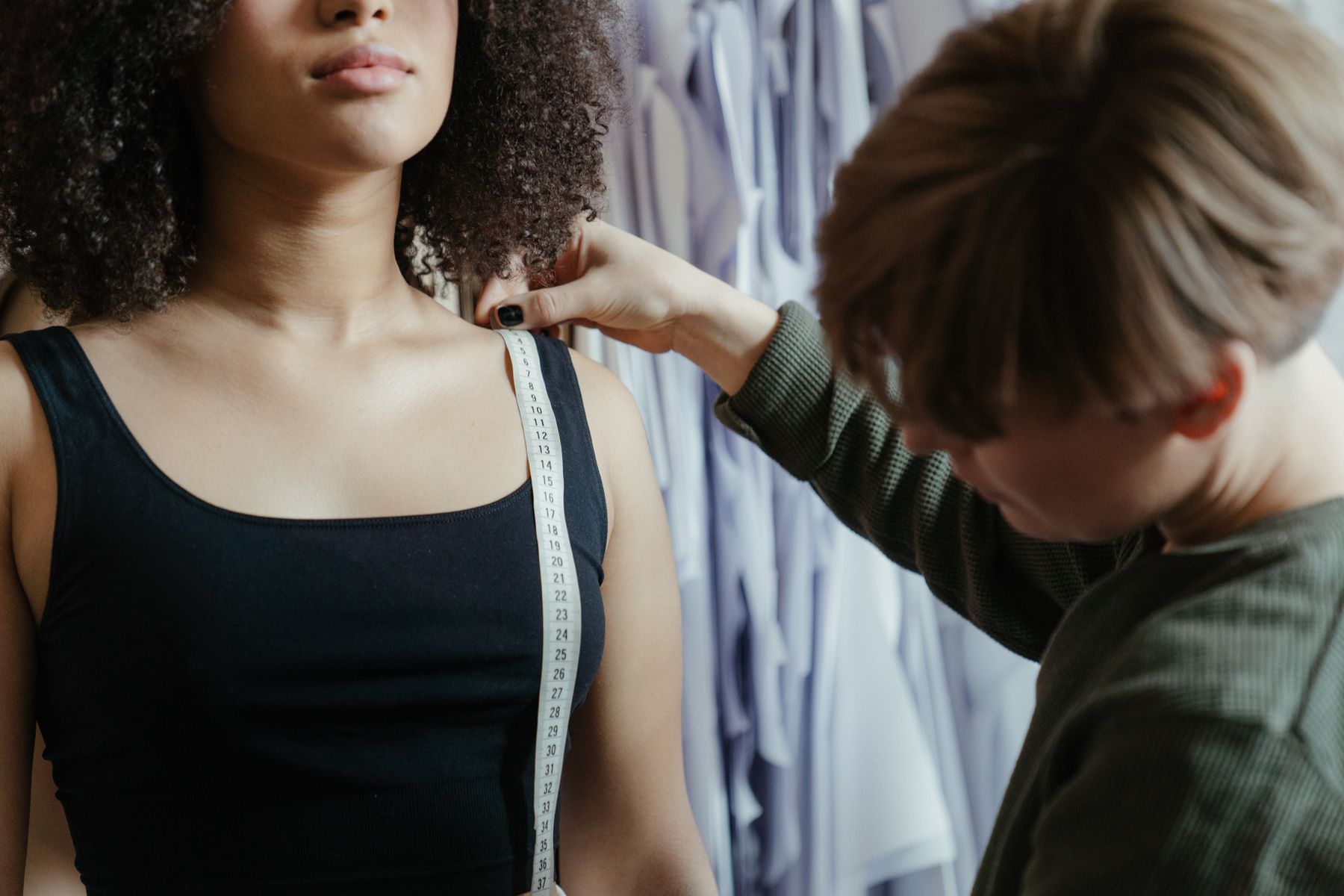
Tape tiled pages on a flat surface after checking page order, trim lines, overlap, and alignment symbols. Tilly and the Buttons instructs readers to cut borders and join sheets by lining up the printed triangles on its PDF patterns.
Work in rows. Lay out all pages first so missing or upside-down pages are obvious. Trim only the edges required by the pattern company. Some tiled patterns overlap, while others butt edges together.
Use small tape pieces at first. Once a row is aligned, add longer tape strips where pieces cross important pattern lines. Avoid thick tape over dart tips, notches, or corners you need to cut precisely.
Check grainlines after assembly. If a long grainline jogs at a page join, the pages are not aligned. Fix paper alignment before cutting, because the fabric will copy the error.
How Do You Avoid Printing the Wrong Size or View?
Avoid printing the wrong size by reading the instructions, size chart, file names, layers, and page range before sending anything to the printer. Pattern downloads often separate views, cup sizes, lengths, or garment options into different page groups.
Circle or write down your selected view, size, cup option, sleeve, length, and file name. This small note prevents accidentally printing a short-sleeve view when you planned the long-sleeve version.
Use print preview. If the preview shows tiny pages, cropped edges, or unexpected blank pages, pause. Printer drivers sometimes remember old booklet, shrink, or borderless settings from another project.
For fabric-saving decisions after printing, the checks in our A-line dress sewing pattern guide apply to many garment projects.
Common Sewing Pattern Printing Mistakes to Avoid
The most common mistake is printing the full pattern before measuring the test square. Seamwork recommends printing only the page with the square first, because many applications scale pages down by default.
Another mistake is assuming the test square size is always the same. One company may use 4 inches, another 60 mm, and another 1 inch. Read the pattern instructions before measuring.
Do not tape pages while tired or cramped. A tiny overlap error can shift a dart, neckline, sleeve cap, or crotch curve. Lay the pages out where you can see the full row.
- Do not use Fit to Page. It can shrink the whole pattern.
- Do not ignore layers. Printing every size can make lines harder to trace.
- Do not cut fabric from a bad print. Reprint before fabric is involved.
What Should You Check Before Cutting Fabric?
Before cutting fabric, confirm the test square, page joins, size lines, view pieces, grainlines, notches, darts, seam allowance, and cutting layout. Printing is not finished until the assembled pattern matches the instructions.
Compare key finished measurements if the pattern provides them. Bust, waist, hip, rise, sleeve length, or bag dimensions can reveal whether a wrong scale or wrong layer slipped through.
Store the printed pattern flat, folded by view, or in a large envelope with notes. Write the date, size, printer settings, paper type, and any scale correction on the instruction sheet.
Once the paper is accurate, slow down. Good sewing pattern printing protects the rest of the project, but cutting still needs grainline control, sharp tools, and clear markings.
Frequently Asked Questions
What scale should I use for sewing pattern printing?
Use Actual Size, 100 percent, or no scaling unless the pattern company gives different instructions. Then print the test square page and measure it before printing the full pattern.
Why is my PDF sewing pattern test square too small?
The usual cause is printer scaling. Seamwork notes that many applications scale digital pattern pages down by default, so turn off Scale to Fit and use Actual Size before testing again.
Is copyshop printing better than print-at-home patterns?
Copyshop printing is better for large garments, many pages, or sewists who dislike taping. Print-at-home is cheaper and faster for small projects, as long as the test square prints correctly.
Can I print only one size from a PDF sewing pattern?
Yes, if the PDF has layers. Turn off sizes you do not need, but keep markings, labels, grainlines, notches, and test square layers visible before printing.
Sources
- Semrush keyword export, Pattern Lab Co workspace, retrieved 2026-07-24.
- Seamwork, How to download and print PDF patterns, retrieved 2026-07-24.
- Seamwork, The test square on my digital pattern is too small, retrieved 2026-07-24.
- Tilly and the Buttons, How to Use Digital Sewing Patterns, retrieved 2026-07-24.
- Sew PDF, PDF Patterns for Beginners: Printing to Correct Scale, retrieved 2026-07-24.
